
Chrome Walkthrough: Find Your ESPN Credentials
Video Walkthrough
Watch the step-by-step video guide above, then follow the detailed instructions below.
1
How to Find Your ESPN Credentials (Chrome)
- Go to ESPN Fantasy Football
- Make sure you're logged in
- Open Developer Tools (Press F12 or right-click and select "Inspect")
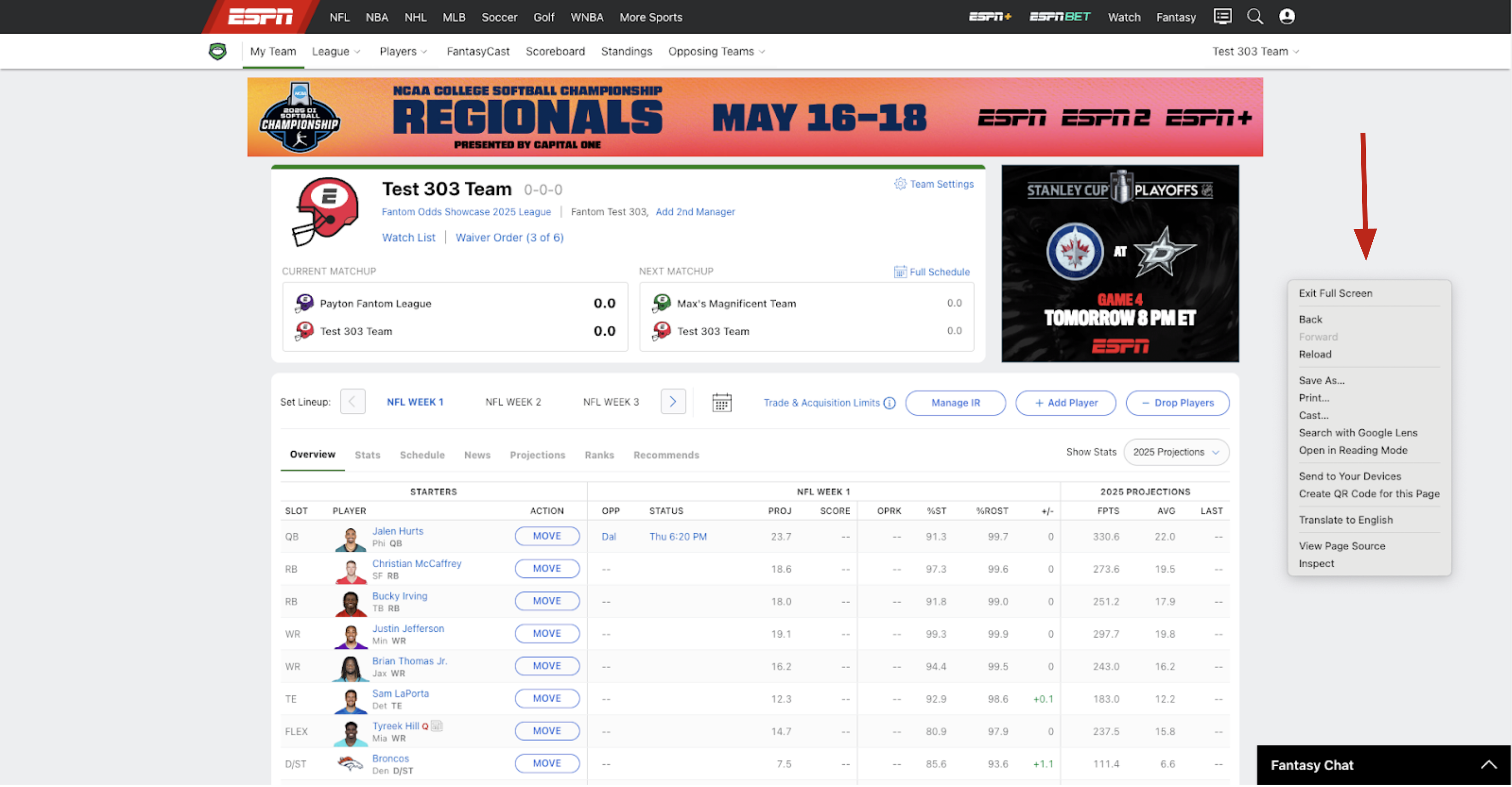
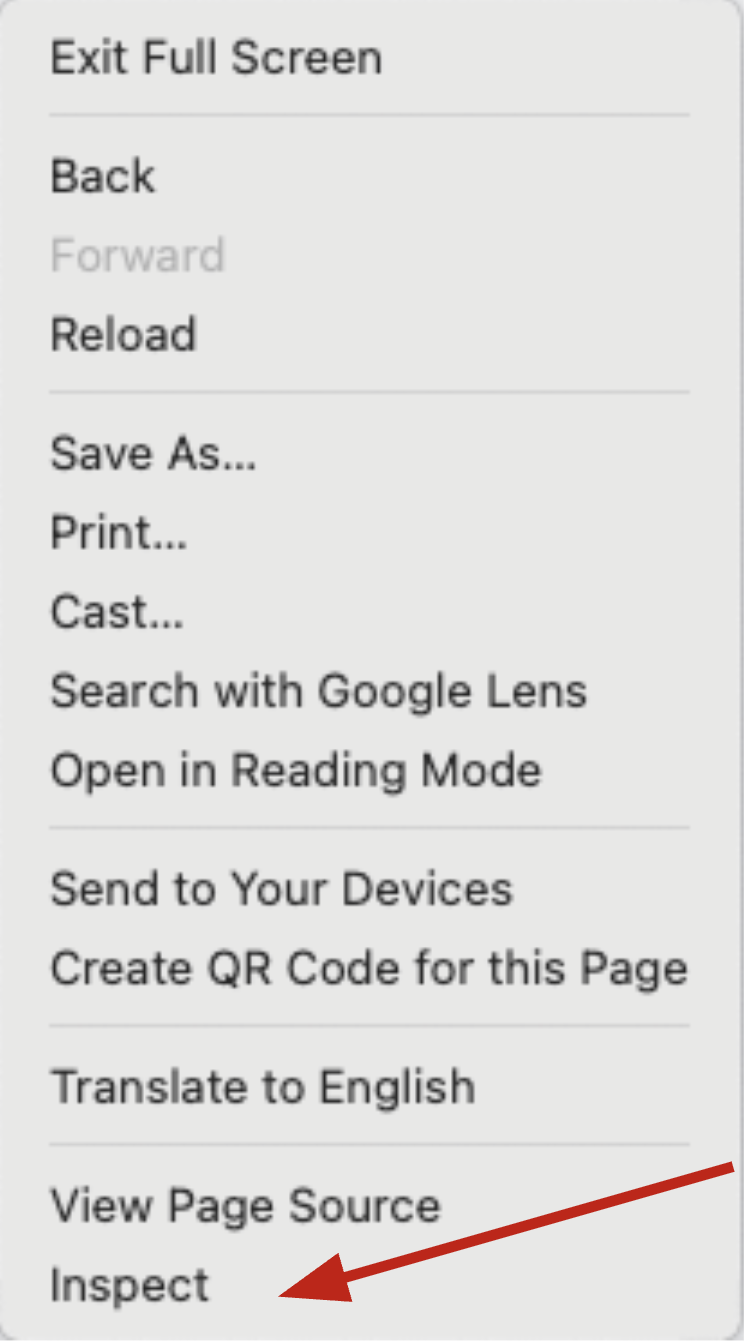
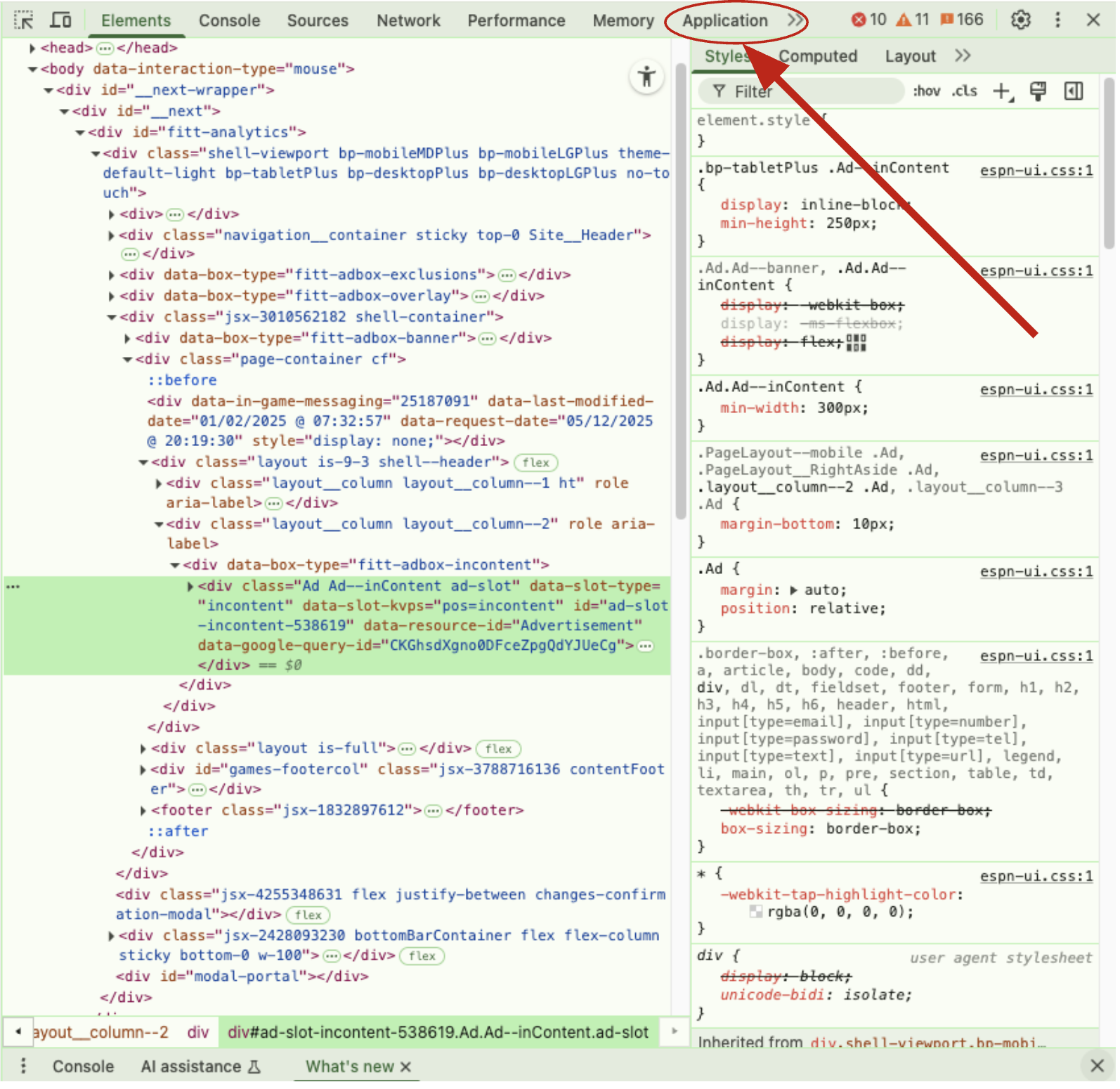
- Go to the "Application" tab
- Under "Storage" on the left, expand "Cookies" and click on "https://fantasy.espn.com"
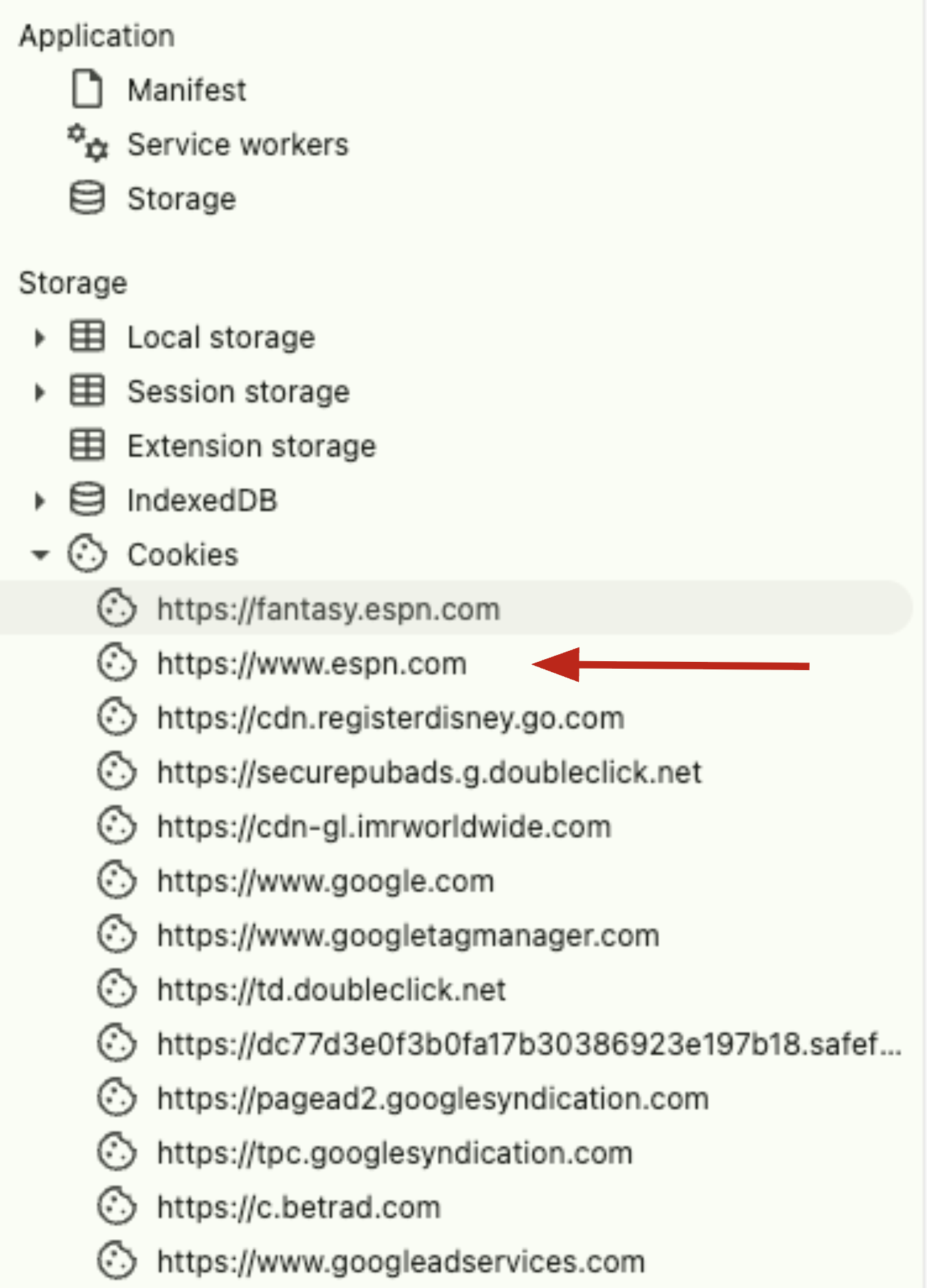
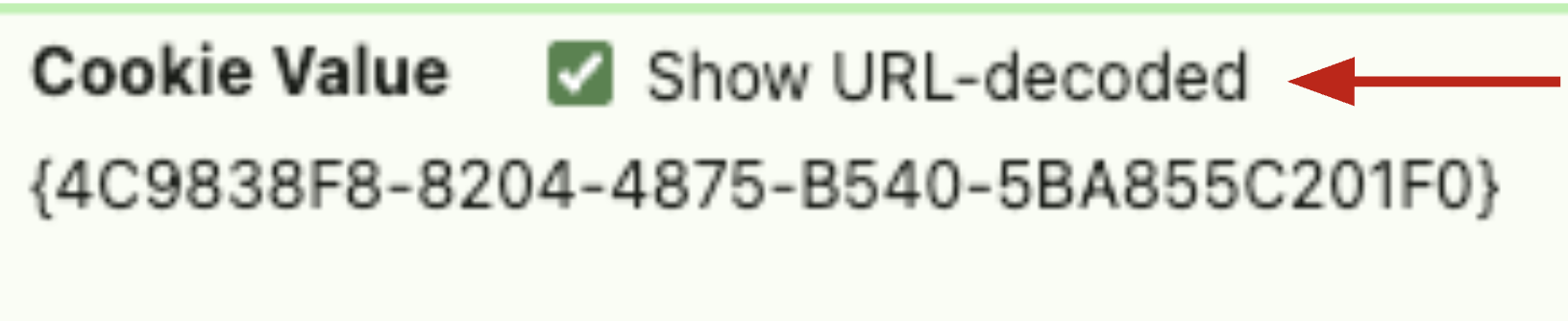
- Find and copy the values for "ESPN_S2" and "SWID".
NOTE: Make sure to click the "Show URL-Decoded" box

- Go to your league's page and copy the league ID from the URL (the number after
leagueId=).
Example:https://fantasy.espn.com/football/team?leagueId=1448289099&teamId=5&seasonId=2025— the league ID would be 1448289099